If your business email, hosting panel or administrator account asks only for a password, check whether you can enable extra protection. Before choosing a method, establish who uses the account and what happens if they lose their phone. Both matter in everyday business use.
MFA means multi-factor authentication: the service checks more than one type of evidence of identity. Two consecutive passwords do not become two different factors.
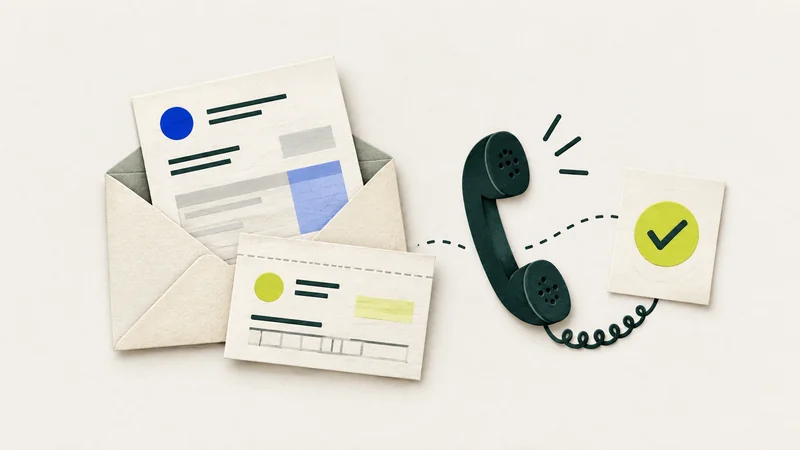
A code can also be entered on a fake website
SMS codes and one-time app codes can be stolen through a page impersonating a sign-in screen. An attacker may try to use the code in the real service. CERT Polska describes this weakness in both methods. MFA guidance.
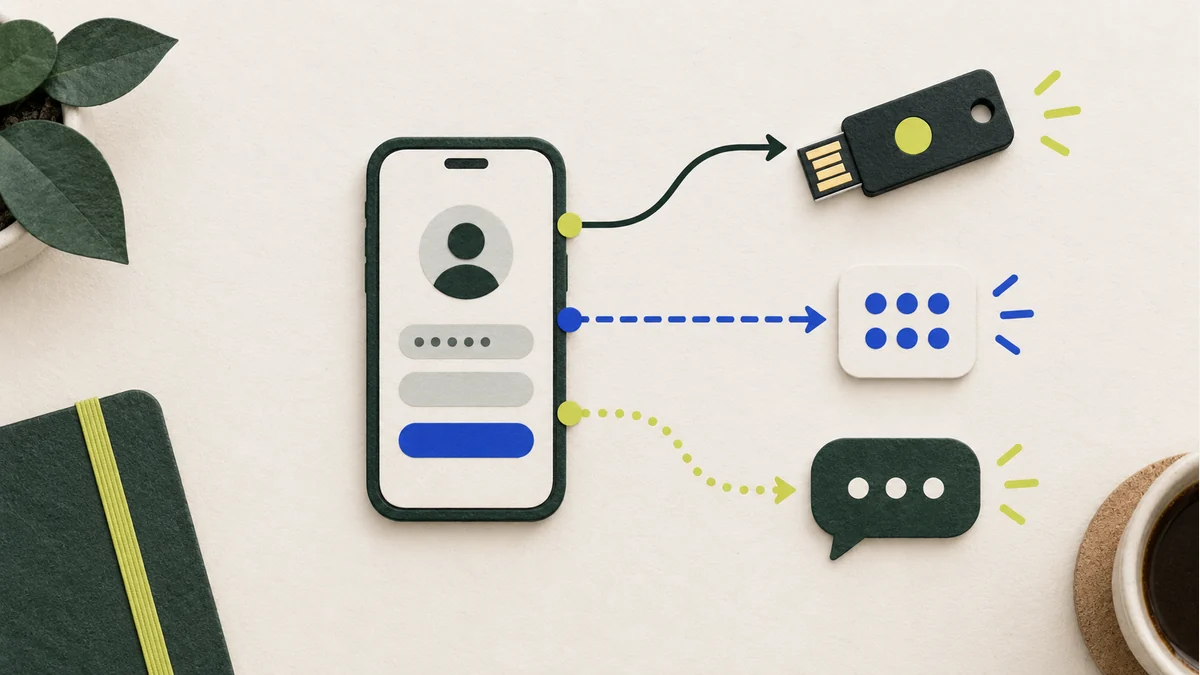
When comparing settings, go beyond noting that “the account has a code”. Record where the code comes from, who receives it and what other methods the service offers. Do not disable existing protection before preparing and checking its replacement.
What FIDO2 changes
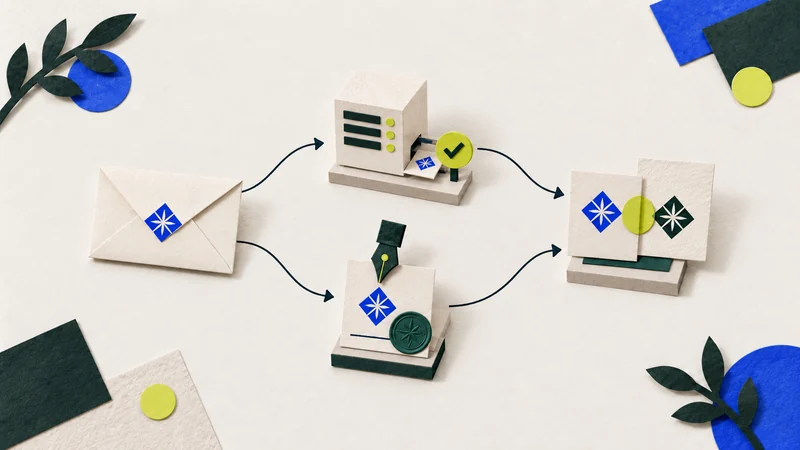
FIDO2/WebAuthn binds authentication to the service’s domain. This makes the mechanism resistant to credential phishing through an impersonating domain. It does not remove every way an account can be compromised, including risks involving an already authenticated session. CERT Polska’s explanation.
A passkey can be stored on a device, on a hardware key or in a solution that supports synchronisation. Not every option requires buying a separate USB key. Use and recovery depend on the solution and the service. FIDO Alliance’s description.
Start with accounts needed to run the business
List email accounts, domain and hosting panels, and website administrators. Add any other accounts whose loss would stop an important part of your work. For each one, check sign-in methods, authorised users and recovery.
If a service supports several methods, compare them for that particular account. An owner and employee may need different permissions. A shared login needs separate attention; buying a key alone does not resolve it.
Do not change all accounts at once without recording the results. It is easier to check one service’s sign-in, permissions and recovery in turn than later work out why several people have lost access.
Plan for a lost device
Before finishing the configuration, check the recovery procedure and available backup method. Do not assume that losing a phone always means losing the account, or that every passkey automatically appears on a new device.
Document the arrangements without exposing secrets in ordinary records. Recovery codes and other confidential data need suitable storage. Instructions should tell an authorised person where to find them and what to do.
CyberKlucz can help organise secure account access within an agreed scope. For the first conversation, a list of services and a description of the current sign-in method are enough. Do not send passwords or recovery codes in your enquiry.