A small business does not need a SOC team to look after its digital basics. A few routine actions, carried out consistently, usually make the biggest difference.
1. Know which accounts are critical
Business email, the domain, hosting, accounting, file storage and the website administrator account carry different weight from an ordinary app. List them with their owner and recovery method.
2. Enable MFA, starting with administrators
MFA does not replace good password management, but it limits the consequences of a leaked password. Protect the accounts with the most permissions first.
3. Update and remove what nobody maintains
This includes WordPress, plugins, operating systems and devices. If a component has no owner or is no longer supported, decide whether to update it, replace it or restrict access.
4. Make backups you can restore
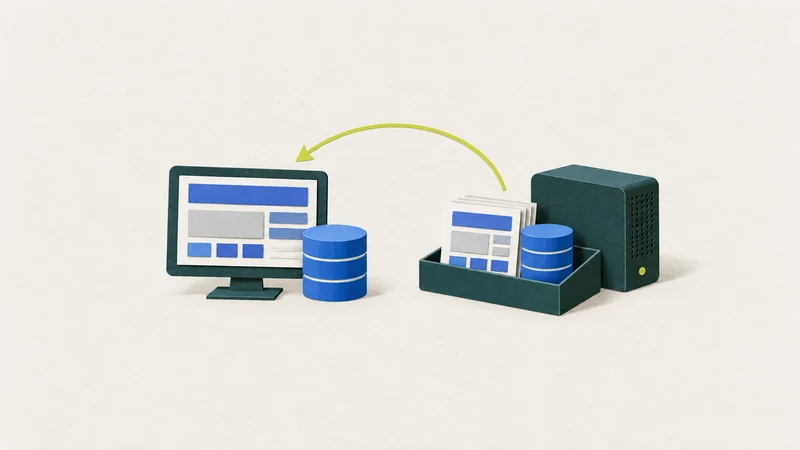
A backup is useful only when you know where it is, who can access it and whether restoration has been tested at least once. Website files alone, without the database or hosting access, may not be enough.
5. Leave a clear record
A simple list of accounts, responsible people, providers and important dates is often more useful than a detailed document nobody updates.
How to use this list
Do not try to do everything in one day. Choose one area, such as email and the domain, establish ownership, access and MFA, then move on.
Source
CISA: resources for small and medium-sized businesses covers topics including MFA, updates, passwords and backups.